GTA 6 AI Video Generator
Two photos in, one GTA-style video out: pick a scene, edit the prompt if you like, and get a 10-second vertical clip of you and a friend in a neon crime-game trailer.
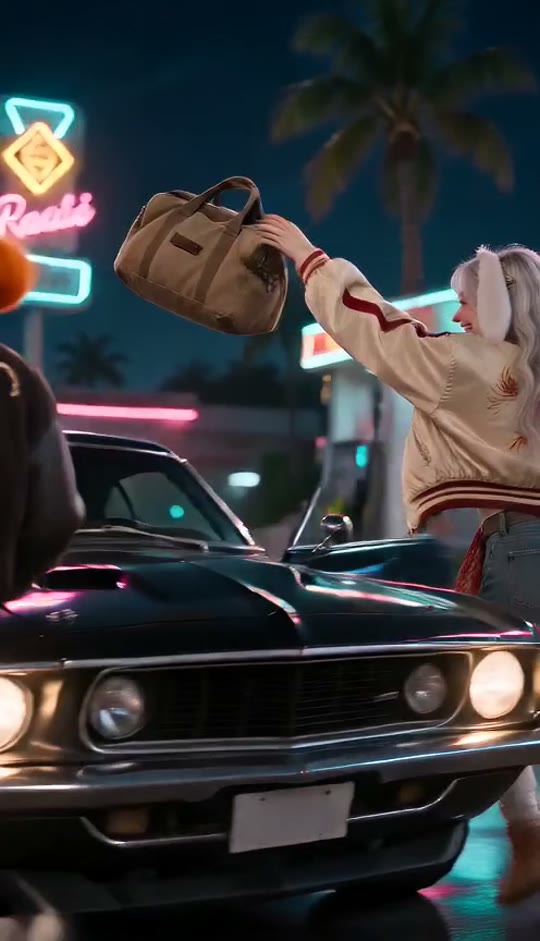 NewGTA 6 AI10s · Audio included
 NewGoodbye 2026 Welcome 2027 AI8s · Audio included
 NewPut The Rollie On My Wrist AI9s · Audio included
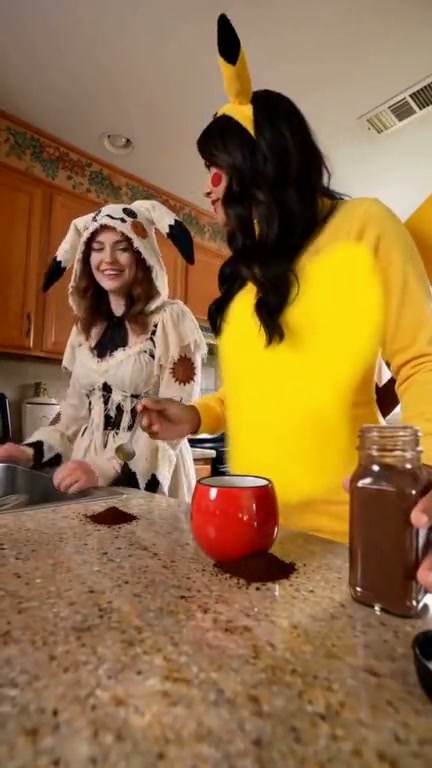 Coffee Fail AI15s · Audio included
 NewPimp Walk Entrance AI15s · Audio included
 NewNo Scrubs AI15s · Audio included
 NewHotline Bling AI13s · Audio included
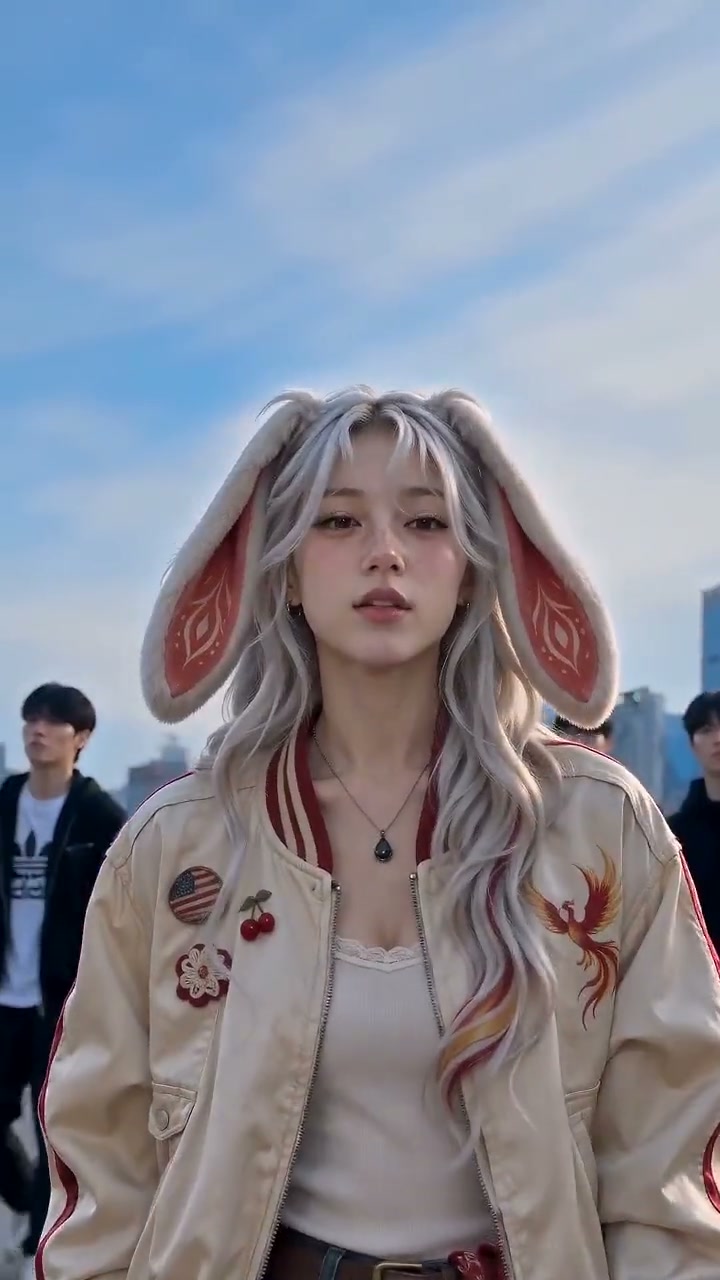 NewKing Jin AI Trend10s · Audio included
 NewYou Never Let Her Pay AI12s · Audio included
 NewMe And My Girlfriend AI10s · Audio included
 NewTe He Perdido Entre La Gente AI10s · Audio included
 NewSheru Bhai Dance AI9s · Audio included
 Wassup in a Minute AI14s · Audio included
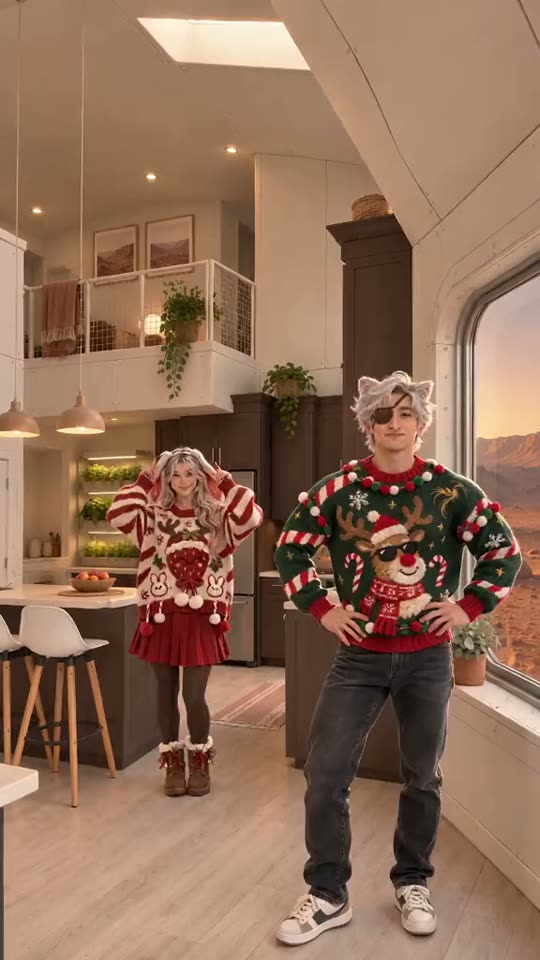 Christmas Dance AI15s · Audio included
 Dime Dime Baby AI9s · Audio included
 A2O LITE “NEON” Duo Dance15s · Audio included
 Outstanding Tiny Desk AI15s · Audio included
 Flamingo Float AI12s · Audio included
 Bulin 47 AI15s · Audio included
 Gangnam Style AI15s · Audio includedDame Hombro AI15s · Audio included
 First Time in a Fancy Cafe AI15s · Audio included
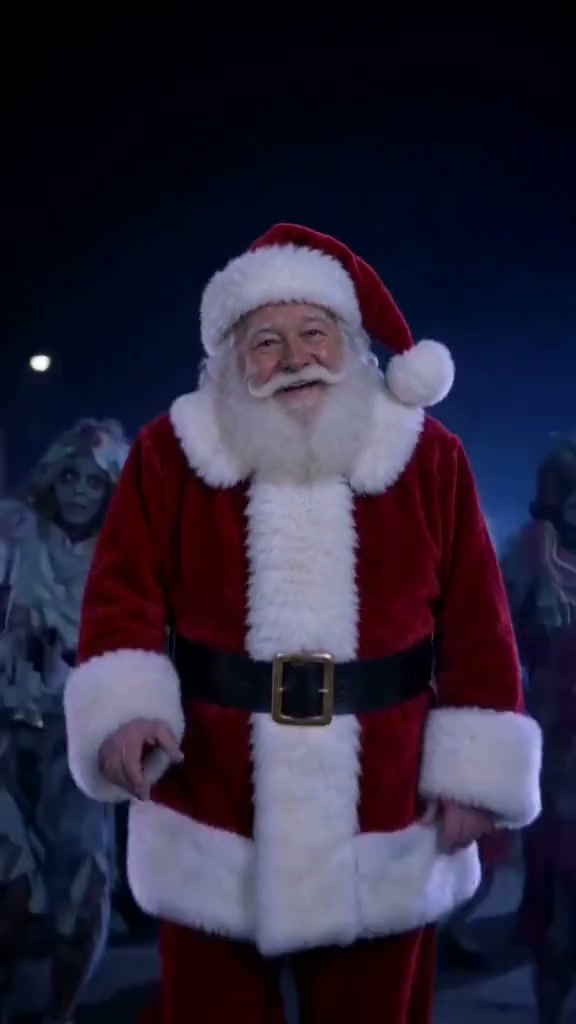 Thriller Dance AI15s · Audio included
 Hotel Lobby AI15s · Audio included
 Zombie Love Story AI15s · Audio included
 I Love The Smiths AI14s · Audio included
 Grandpa Handle Dinner AI10s · Audio included
 NewRonaldo Header AI8s · Audio included
 NewFunny Goalkeeper AI15s · Audio included
More templates coming soon
Photo tips · JPG / PNG / WEBP, up to 10 MB
- ✓One person per photo, facing the camera
- ✓Face clear and well lit — no sunglasses, hats or hands over it
- ✓Show the outfit: a photo from the head to the waist or knees
- ✓No mirror selfies or phone in hand — it can show up in your video
🎵 Audio is included in the video. Tap the speaker icon to turn sound on or off.
Automatic refund if it fails. Not happy with the quality? Email support@tokclip.com and we'll look into it; if we confirm a quality problem, you get a refund. Refund Policy
You see the price before you pay. Credits never expire. Pricing
4 stages to rap on
Burst out of a gas station and speed off in a muscle car
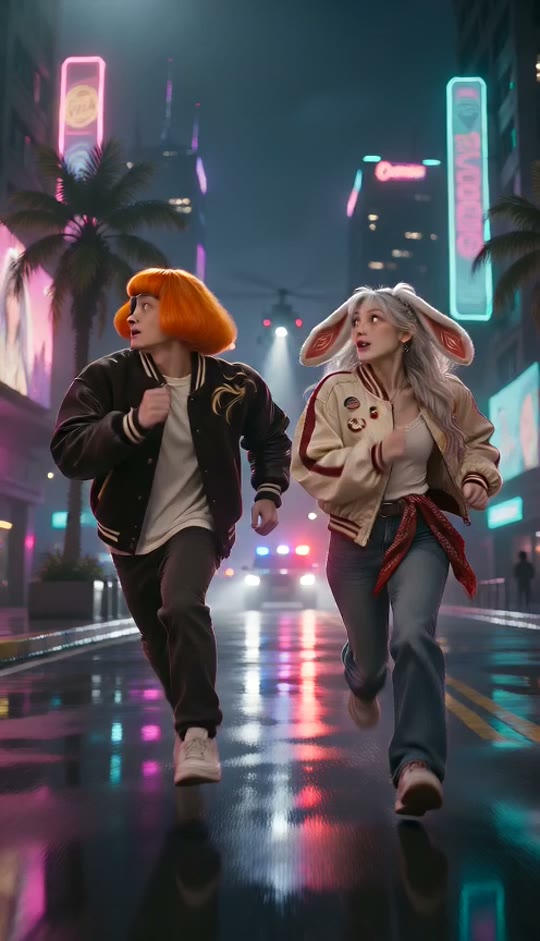
Sprint through neon streets and jump into a yellow sports car
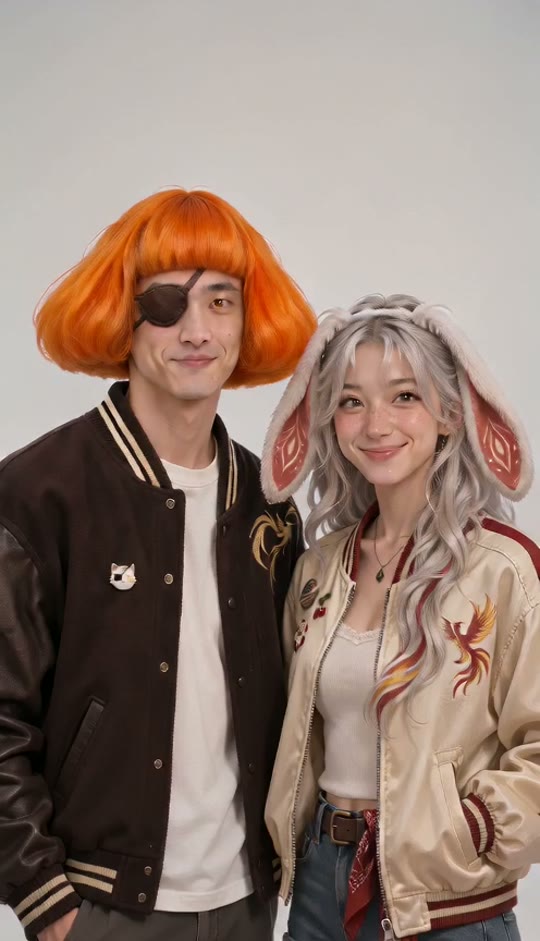
Your photo repaints itself into an illustrated sunset poster
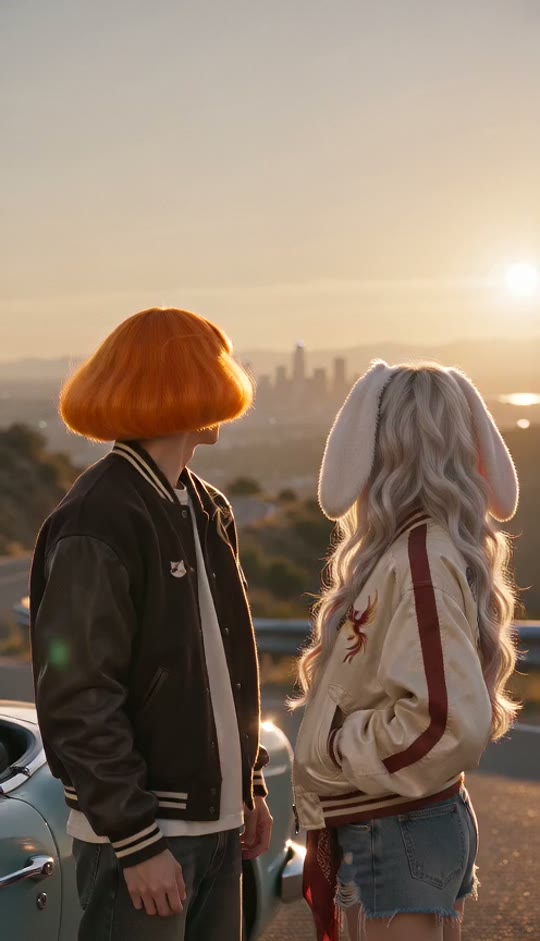
Say goodbye to the old chapter and drive into a neon coast
What is the GTA 6 AI video generator?
An independent fan tool that turns two photos into a short video in the look of an open-world crime-game trailer, with four ready scenes and an editable prompt.
Four scenes. Getaway, night chase, illustrated poster, and old city to new city. Pick one before you generate.
Edit the prompt. Open Advanced options and rewrite the scene in your own words; the same price applies.
Style tribute, no game assets. No official footage, characters, logos or interface; only neon, palm trees, sports cars and sunsets.
The scene
GTA 6 is scheduled to launch on November 19, 2026 on PS5 and Xbox Series X|S, with no PC version announced, according to reports from NME and GamesRadar. Around the launch, photo tools such as Perfect Corp, CyberLink and Kapwing published guides for turning a selfie into a GTA-style portrait or loading-screen poster.
People play it by uploading a selfie and posting the result with captions like 'My life if I was in GTA 6'. This page's generator makes a 10-second video of two people instead of a still image. We can't confirm how large the trend is on TikTok or where it started.
Why it's spreading
- Fans want to see themselves in the game before and after the launch; this is reported by the tool vendors above and is unverified as a measured trend.
- Rockstar has reportedly sent takedown notices against popular AI-made GTA 6 posts (games.gg), so we keep every clip in a style tribute with no game assets.
Also searched as: GTA 6 AI video generator, GTA 6 AI video, GTA 6 AI trailer, GTA 6 getaway video, GTA 6 loading screen AI.
How your photo becomes GTA 6 AI
AIAIWhat you get
- A game-trailer look: Saturated neon pink and teal, warm sunset haze, glossy reflections and handheld energy.
- Both faces kept: Each photo defines one person's face, hair, skin tone and clothing; the two are kept apart in every shot.
Tips for a better result
- Face the camera: Use front-facing photos with the face clearly visible and good light.
- Photos in order: Upload the lead first and the partner second; swapping them swaps the roles.
- Keep prompt edits short: Keep the sentence about the two reference images, then change the places, cars and mood.
How to make a GTA-style AI video
- 01Upload two photos
Lead first, partner or friend second. JPG, PNG or WebP, up to 10 MB each, one adult per photo.
- 02Pick a scene and edit if you want
Choose one of the four scenes, or open Advanced options to change the prompt. One 10-second clip costs $9.99.
- 03Get your clip
Download a vertical 9:16 video with sound, ready for TikTok or Reels.
How much does a GTA 6 AI video cost?
A 10-second GTA 6 AI video is 50 credits, from $9.99 with no subscription, and your first 5-second clip is free with a Google sign-in. Credits never expire, and a video that fails gives them back.
The whole video starring you, 9:16, no watermark.
Private by default. Gone in 30 days.
- Only shared with the AI that makes your video
- Never used to train AI
- Photos deleted after 30 days
- Automatic refund if it fails
Photos are stored privately and reach the AI provider only through short-lived links made for your job. Clips stay in My clips for 90 days, then are deleted. Want everything gone sooner? Email support@tokclip.com from your account address and we delete it. Read the privacy policy →
What this is, and what it is not
- Independent fan tool. Not affiliated with Rockstar Games or Take-Two Interactive, and it contains no footage from the game.
- AI can drift. Cars, signs and small details can change between shots; regenerate or edit the prompt to improve.
GTA 6 AI: questions
Can I make a GTA-style video of me and a friend with AI?+−
Yes. Upload two adult photos, pick a scene and get a 10-second vertical 9:16 clip with sound in a few minutes.
Is this affiliated with Rockstar Games or the official GTA 6?+−
No. This is an independent fan tool, not affiliated with, endorsed by or connected to Rockstar Games or Take-Two Interactive.
Does it use the original video, sound or characters from the game?+−
No. We do not host any game footage, music or official characters, logos or interface; every clip is newly generated in a game-inspired style.
How many photos do I need?+−
Two photos: the lead first and the partner or friend second, one adult per photo.
How long is the video and what format is it?+−
The clip is 10 seconds, vertical 9:16, generated at 480p with sound, ready for TikTok, Reels or Shorts.
Can I change the prompt?+−
Yes. Open Advanced options to edit the scene prompt (up to 1,500 characters); we add a safety line that keeps out text, logos, extra people and violent or sexual content.
Whose photos can I use?+−
Only photos of adults who agreed to appear; we do not allow minors, and you confirm permission before generating.
Is it a CapCut template or an app?+−
No. It runs in your browser, with no app, no editing and nothing to film; the AI generates the whole clip from your two photos and a prompt.
How much does it cost?+−
One 10-second clip costs 50; failed generations are refunded automatically.
Is the result exactly like my photos?+−
Not always; AI can drift in faces, cars and details, so try a clear front-facing photo or tweak the prompt and generate again.
Ready for your neon getaway?
Add your photos, get a video with audio: a free 5-second preview or the full 10s video for 50 credits.
Make my videoTokClip is an independent tool, not affiliated with the artists, TikTok, Instagram or any record label. Every video is AI-generated. Updated 2026-11-19.
More templates
Pick another one, or start on the TokClip AI video templates
NewA New Year video made from one photo. The AI places you on a mountain summit, you pull yourself up onto a huge numeral, and a drone-style pull-back shows all four numerals reading 2027.
Make yours →NewA two-person video recreation built around the shoulder-carry turn and reveal seen in the reference clip.
Make yours →A casual kitchen coffee-making scene with a spill, a quick reaction, and two people sharing the moment.
Make yours →NewA viral shop-entrance trend recreated with your photos. A reference clip drives the movement, camera and timing; your two photos supply the two people.
Make yours →NewThe template reproduces the reference clip's choreography, camera framing and cut rhythm. Each photo becomes one fixed performer.
Make yours →NewThe template reproduces the choreography, camera movement and seven cuts of the reference clip. Each photo is one fixed performer.
Make yours →NewA video tool that puts the person in your photo into a viral street-entrance trend: everyone makes way as you walk through, and the camera pushes in on a candy-stick close-up.
Make yours →NewA video tool that puts the person in your photo in the diner's seat for the viral wallet-swap reveal.
Make yours →NewA video tool that turns two photos into the viral mirror selfie where one person seems to have an extra pair of legs, until their partner peeks out from behind the shoulder.
Make yours →NewA video tool that puts one person on the balcony and another in the spotlight for the viral 'te he perdido entre la gente' club moment.
Make yours →NewSheru Bhai is a fan-made AI character, a lion-headed boss in a white suit. The dance version puts a real person next to him on a palace terrace. TokClip recreates that shot with your photo.
Make yours →Wassup in a Minute is a TikTok trend built on a Jersey club sound. You may know the version with anime characters swaying on a white background; this TokClip template is the other one, the three-person hillside dance, remade with your photos: 14 seconds, 16:9, with sound.
Make yours →A video tool that puts two people from your photos into the Christmas pajama duo dance from TikTok.
Make yours →A 9-second vertical dance video that maps the person in your photo to the lead dancer in the reference.
Make yours →A two-performer dance format based on the opening choreography of A2O LITE’s “NEON” video. TokClip uses a reference clip for the dance and two photos for the performers’ identities and appearance.
Make yours →Recreate the Tiny Desk-style band performance with one required lead-singer photo. Four optional performer slots have AI-generated default images: keyboard, two backup singers, and sax. Upload your own photos to replace any defaults.
Make yours →It is a reference-led remake of a rooftop infinity-pool clip: one portrait supplies the replacement person's appearance while the video supplies the scene and motion.
Make yours →TokClip puts you inside the freestyle that took over TikTok. You bring one photo; the AI does the rest — your own Bulin 47 video in minutes.
Make yours →A 15-second, 16:9 dance remake that maps three photos to the left, center, and right performers. The reference background remains fixed.
Make yours →Dame Hombro is the track people pair with Bulin 47's freestyle on TikTok. TokClip puts you inside that performance: you bring one photo, the AI does the rest, and you get your own Dame Hombro AI video in minutes.
Make yours →It recreates a café POV joke: one visitor uses a small table like a seat, another arrives and uses the seating normally, and the first visitor realizes the mix-up.
Make yours →A video tool that places the person in your photo at the front of a zombie group dance.
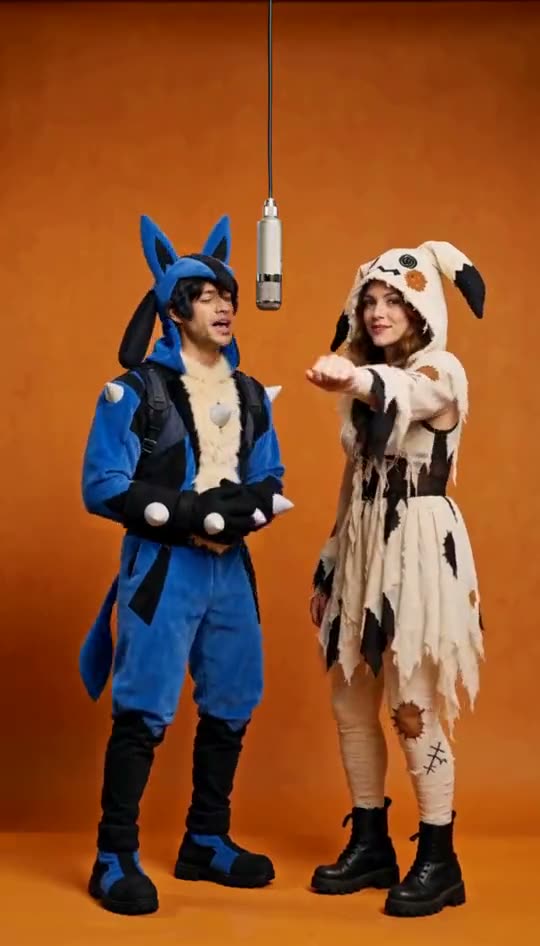
Make yours →The source is a rap-duo clip in a plain orange-lit booth, one hanging microphone, two performers trading lines and moves. This template follows that choreography shot for shot, with your two photos replacing the original performers.
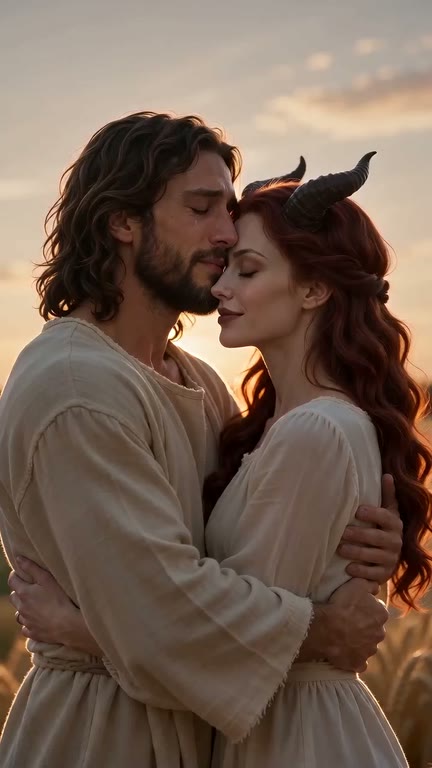
Make yours →Upload two photos of consenting adults: first the survivor, then their partner who has turned into a zombie. TokClip builds the 15-second story from the photos; there is no reference video.
Make yours →It recreates the elevator meet-cute from the film (500) Days of Summer: one person wears big headphones, the other says they love The Smiths, and the listener takes the headphones off to answer.
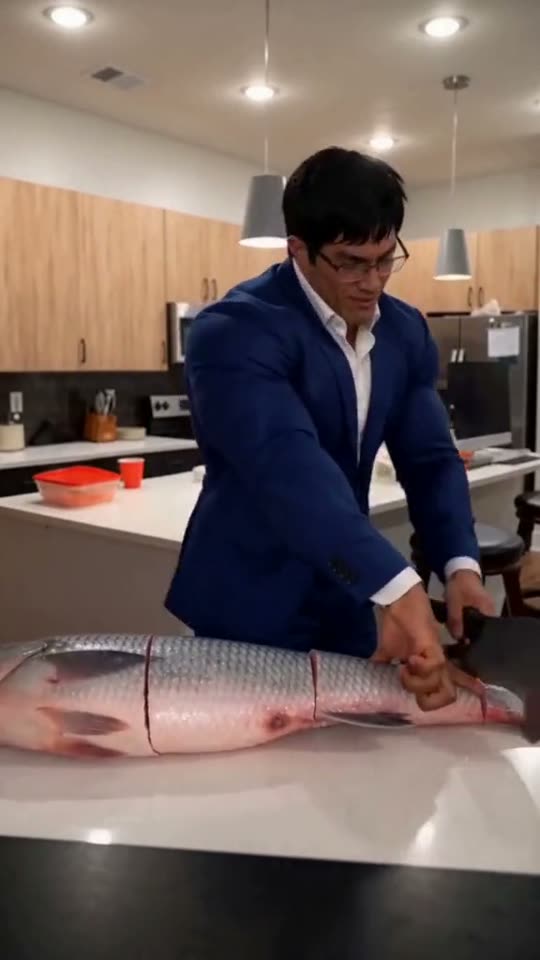
Make yours →A video tool that puts the person in your photo into the viral "Grandpa said he'd handle dinner" fish-chopping meme.
Make yours →NewA staged two-person football header meme. One person is lifted up and heads the ball while the other holds them up.
Make yours →NewA 15-second clip that follows the trend's shot order: a kick, a crossbar save, a second shot, and a final dive.
Make yours →