Flamingo Float AI Video Generator
Turn one permitted portrait into the person on a pink flamingo float in a rooftop infinity pool. The reference video guides the actions, camera, scene, timing and original sound.
More templates coming soon

Photo tips · JPG / PNG / WEBP, up to 10 MB
- ✓One person per photo, facing the camera
- ✓Face clear and well lit — no sunglasses, hats or hands over it
- ✓Show the outfit: a photo from the head to the waist or knees
- ✓No mirror selfies or phone in hand — it can show up in your video
🎵 Audio is included in the video. Use Sound On or Sound Off to listen.
Free 5-second clip, once per person, with a Google sign-in. Pricing
What is the Flamingo Float AI video?
It is a reference-led remake of a rooftop infinity-pool clip: one portrait supplies the replacement person's appearance while the video supplies the scene and motion.
One portrait. The uploaded image controls the replacement person's recognizable face and visible clothing.
Reference-led motion. The video controls the rooftop pool, pink float, camera, timing and actions.
Two output options. A 5-second 480p preview or a 12-second 768P full video, both vertical 9:16.
Choose the voice. Select a masculine or feminine voice for all vocals; male is selected by default. For a feminine voice, “bro” is changed to “girl”; all other words and lyrics stay unchanged.
The rooftop pool scene
The reference used for this TokClip candidate shows a person reclining on a pink flamingo float in an infinity pool, checking a phone, reacting with a brief hand gesture, then drifting toward the far side as a handheld camera approaches.
Searches such as “flamingo float ai trend,” “infinity pool flamingo trend,” “rooftop pool ai video,” “hey bro flamingo trend,” and “thank you bro ai trend” describe ways people look for this format. The exact dialogue and trend origin have not been independently verified.
What the format uses
- One portrait controls the replacement person's face and visible clothing.
- The reference video controls the pool scene, camera movement, timing and actions.
- The template offers a 5-second preview and a 12-second full option.
Also searched as: flamingo float ai, flamingo float ai trend, flamingo float ai video, thank you bro ai trend, hey bro flamingo trend, flamingo float ai generator, flamingo float ai template, infinity pool flamingo trend, flamingo float capcut template, flamingo float ai prompt, rooftop pool ai video, flamingo float ai free.
How your photo becomes Flamingo Float AI
Your Flamingo Float AI video
One portrait replaces the person in a rooftop infinity-pool reference. Preview: 5 seconds at 480p. Full video: 12 seconds at 768P.
Tap the speaker to hear it.
Built around the reference clip
- Face and outfit from your photo: The portrait defines the replacement's visible identity and clothing.
- Scene and action from the video: The rooftop pool, flamingo float, camera movement and timing follow the reference.
Photo tips and honest limits
- Use a clear portrait: Keep the face visible, well lit and large enough to recognize.
- Results can vary: Small or distant faces may not preserve every feature perfectly.
- Sound follows the reference: The prompt requests the reference audio, but each generated result should be checked.
- Use permitted images: Upload only a portrait you own or have permission to use.
How to make a Flamingo Float AI video
- 01Upload one portrait
Use a clear adult portrait you have permission to use.
- 02Choose a duration
Try the 5-second preview or select the 12-second full video.
- 03Generate and review
Check the displayed credit options, then review the face, clothing and sound before sharing.
How much does a Flamingo Float AI video cost?
A 12-second Flamingo Float AI video is 50 credits, from $9.99 with no subscription, and your first 5-second clip is free with a Google sign-in. Credits never expire, and a video that fails gives them back.
One portrait replaces the person in a rooftop infinity-pool reference. Preview: 5 seconds at 480p. Full video: 12 seconds at 768P.
Flamingo Float AI: questions
Is there a free Flamingo Float AI preview?+−
TokClip offers a 5-second watermarked preview marked free. It uses 10 credits; new accounts receive a 10-credit signup gift, while additional generations require available credits.
Is this an official Flamingo Float CapCut template?+−
No. This is an independent TokClip AI video generator. It is not affiliated with or endorsed by CapCut or the original video creator.
What does “thank you bro AI trend” refer to?+−
It is a search phrase people use to find this style of clip. We have not verified that the phrase is audible in the reference video.
Can I change the person in the video?+−
Yes. Upload one permitted portrait. The portrait defines the replacement person's face and visible appearance; the video supplies the scene and movement.
Is this the same as a Flamingo Float AI prompt?+−
The template uses a reference-based prompt to match the supplied clip's actions and camera while mapping the person's identity and clothing to your portrait.
Try the rooftop flamingo-float clip
Add your photos, get a video with audio: a free 5-second preview or the full 12s video for 50 credits.
Make my videoTokClip is an independent tool, not affiliated with the artists, TikTok, Instagram or any record label. Every video is AI-generated. Updated 2026-11-06.
More templates
Pick another one, or start on the TokClip AI video templates
 New
TokClip puts you inside the freestyle that took over TikTok. You bring one photo; the AI does the rest — your own Bulin 47 video in minutes.
Make yours → New
A 9-second vertical dance video that maps the person in your photo to the lead dancer in the reference.
Make yours → New
It recreates a café POV joke: one visitor uses a small table like a seat, another arrives and uses the seating normally, and the first visitor realizes the mix-up.
Make yours →NewDame Hombro is the track people pair with Bulin 47's freestyle on TikTok. TokClip puts you inside that performance: you bring one photo, the AI does the rest, and you get your own Dame Hombro AI video in minutes.
Make yours →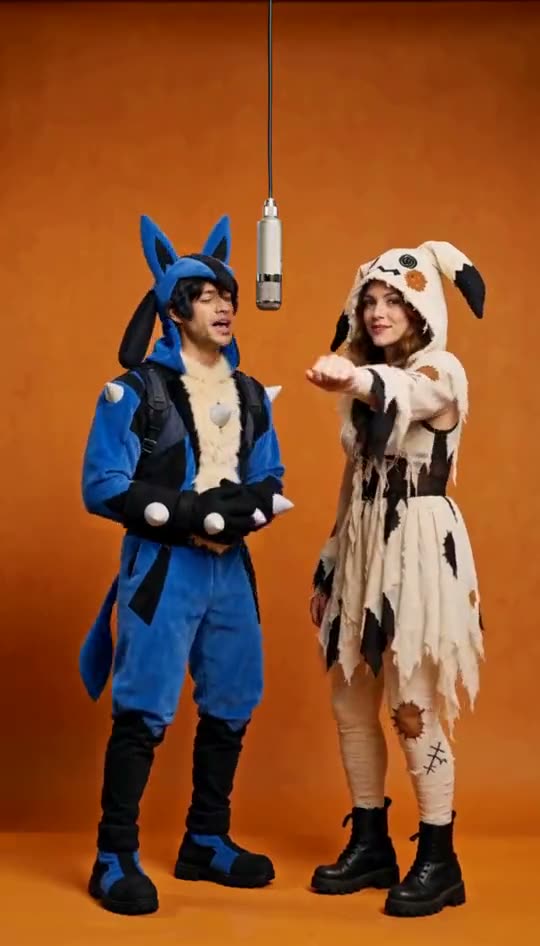 New
The source is a rap-duo clip in a plain orange-lit booth, one hanging microphone, two performers trading lines and moves. This template follows that choreography shot for shot, with your two photos replacing the original performers.
Make yours →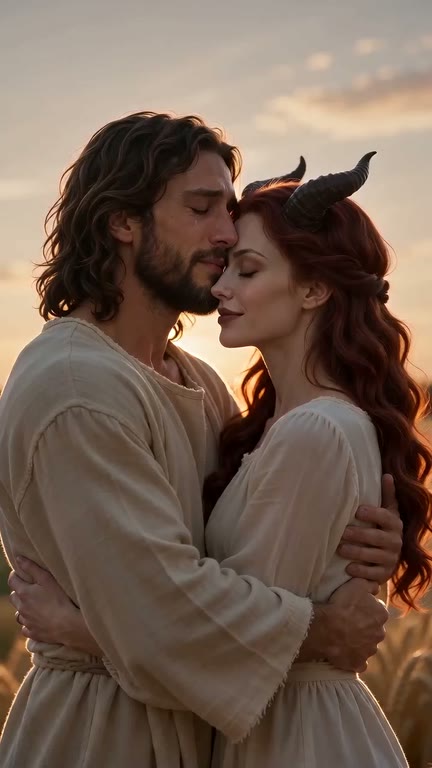 New
Upload two photos of consenting adults: first the survivor, then their partner who has turned into a zombie. TokClip builds the 15-second story from the photos; there is no reference video.
Make yours →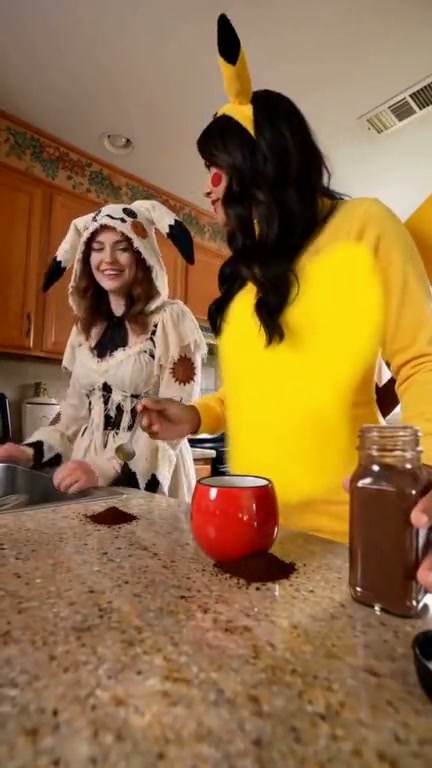 New
A casual kitchen coffee-making scene with a spill, a quick reaction, and two people sharing the moment.
Make yours → New
Recreate the Tiny Desk-style band performance with one required lead-singer photo. Four optional performer slots have AI-generated default images: keyboard, two backup singers, and sax. Upload your own photos to replace any defaults.
Make yours → New
A video tool that places the person in your photo at the front of a zombie group dance.
Make yours → New
A 15-second, 16:9 dance remake that maps three photos to the left, center, and right performers. The reference background remains fixed.
Make yours →