AI Meme Video Generator
Pick a meme template, upload your photos and get your own AI meme video. Compare the templates by photos needed and length.


Compare the meme templates
| 템플릿 | 사진 | 길이 | 비율 | 시작 |
|---|---|---|---|---|
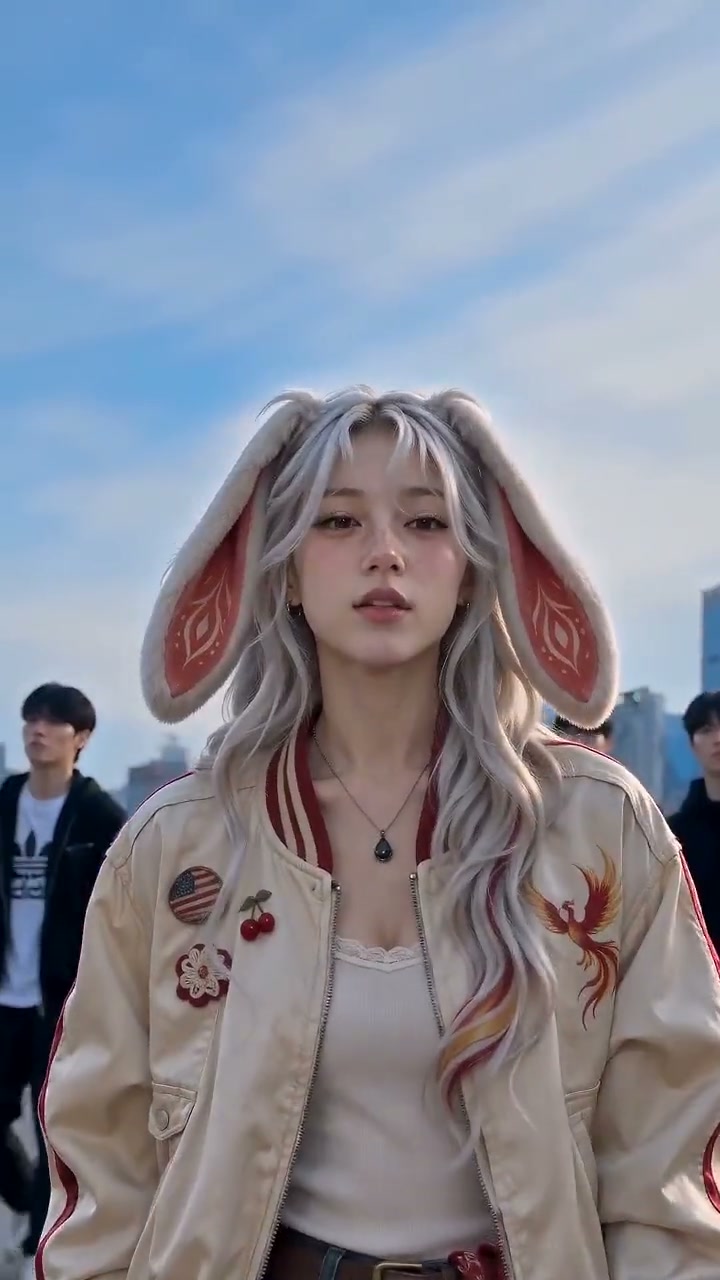
| Pimp Walk Entrance AI Two-photo shop entrance · 15 sec · 3:4 | 2 | 15초 | 3:4 | 내 영상 만들기 → |
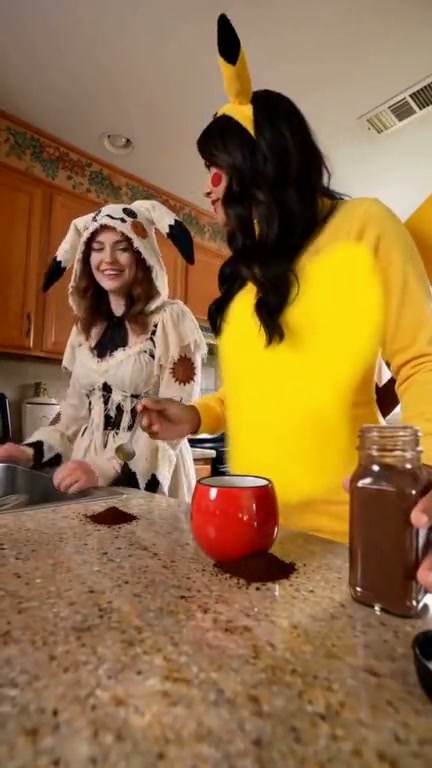
| Coffee Fail AI 주방 커피 참사 · 사진 2장 · 사운드 | 2 | 15초 | 9:16 | 내 영상 만들기 → |
| You Never Let Her Pay AI Wallet-swap reveal · 1 photo | 1 | 12초 | 9:16 | 내 영상 만들기 → |
| King Jin AI Trend Street entrance · 1 photo | 1 | 10초 | 9:16 | 내 영상 만들기 → |
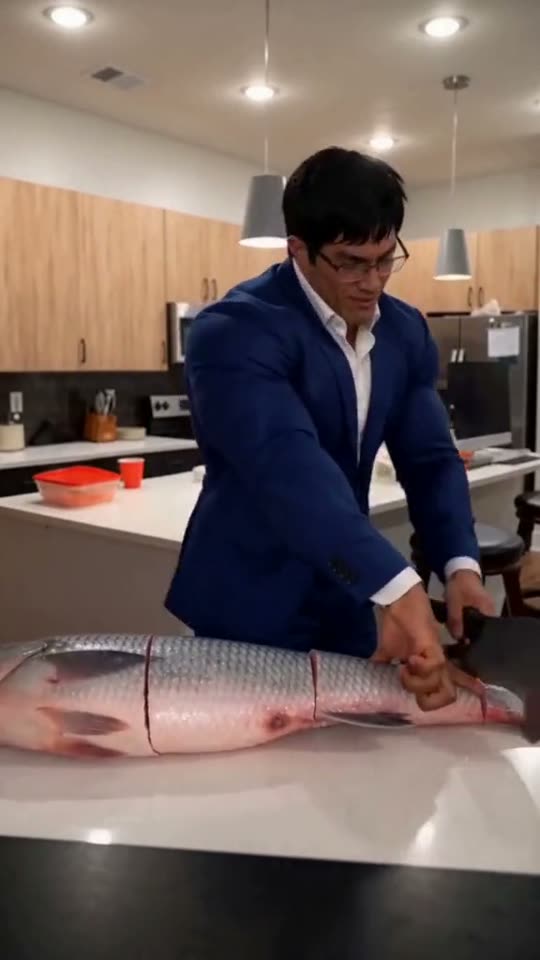
| Grandpa Handle Dinner AI 거대 생선 손질 · 사진 1장 | 1 | 10초 | 9:16 | 내 영상 만들기 → |
완성본 영상 한 편은 50크레딧이고, 팩은 $9.99부터예요. 일부 템플릿은 Google 로그인으로 5초 무료 미리보기를 써 볼 수 있어요(1인 1회, TokClip 워터마크 포함). 모든 템플릿에 있는 건 아니에요.
Which meme template should you pick?
Grandpa Handle Dinner AI, You Never Let Her Pay AI and King Jin AI Trend take one photo. Coffee Fail AI and Pimp Walk Entrance AI take two. Start with the one you keep seeing, then pick the one whose photos you have.
영상 만드는 방법
- 1템플릿을 고르세요. 위의 카드나 표에서 하나를 열어 예시 영상을 확인해요.
- 2사진을 올려요. 출연에 동의한 성인의 또렷한 정면 사진을 사용하세요. 여러 명이 나오는 템플릿은 한 사람당 사진 한 장이 필요해요.
- 3생성하고 다운로드해요. 영상이 완성되면 다운로드해서 게시하세요.
비용
모든 템플릿에서 전체 영상 하나는 50 크레딧이고, 크레딧 팩은 $9.99부터 시작해요. 구독은 없고 크레딧은 만료되지 않아요. 일부 템플릿은 Google 로그인으로 한 사람당 한 번, TokClip 워터마크가 붙은 5초 무료 미리보기도 제공해요.
자주 묻는 질문
How does an AI meme video generator work?+−
You pick a meme template, upload your photo (or an adult’s photo with permission), and TokClip puts that person into the clip. You download the finished video and post it.
How many photos do I need?+−
One photo for most meme templates, two for Coffee Fail AI and Pimp Walk Entrance AI. The table above lists it for every template.
Is it free?+−
You can try some templates free: a 5-second preview with a Google sign-in, once per person, with a TokClip watermark. Full videos use credits, with packs from $9.99.
Does the video keep the original sound?+−
Yes. The clip, its sound and its timing come from the original template.
Which photo works best?+−
A sharp, well-lit photo with the whole face visible, looking at the camera.